
What steps did you need to take to implement Google Analytics into your site?
To implement Google Analytics on my website, I followed a series of structured steps to ensure accurate tracking of user behaviour. First, I created a Google Analytics account and set up a new property for my portfolio website. During this process, I selected the appropriate platform (web) and entered my website details, which generated a unique Measurement ID.
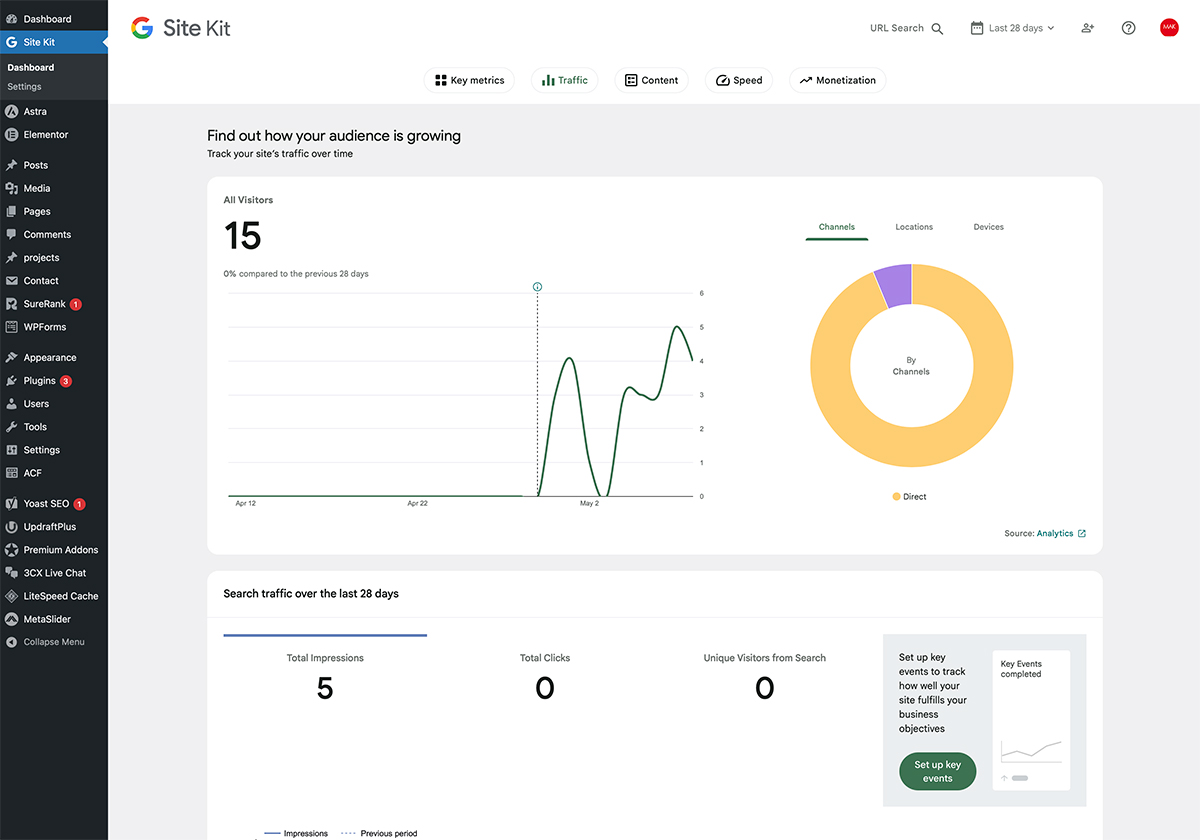
Next, I added the tracking code to my WordPress site. This can be done either by inserting the global site tag (gtag.js) into the header section of the theme (usually in the header.php file) or by using a plugin such as Site Kit by Google, which simplifies the integration process without requiring manual coding.
After installing the tracking code, I verified that the connection was working correctly by checking the real-time reports in Google Analytics. This step ensures that user activity is being recorded properly. I also configured basic settings such as data streams, time zone, and privacy considerations.
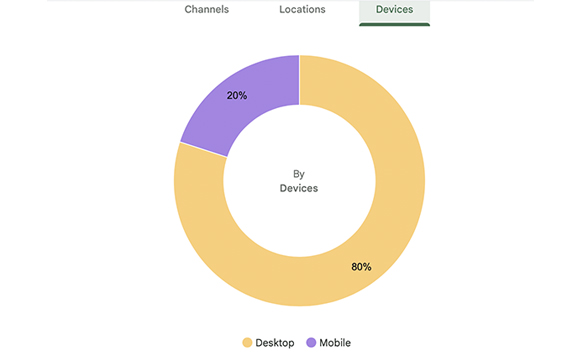
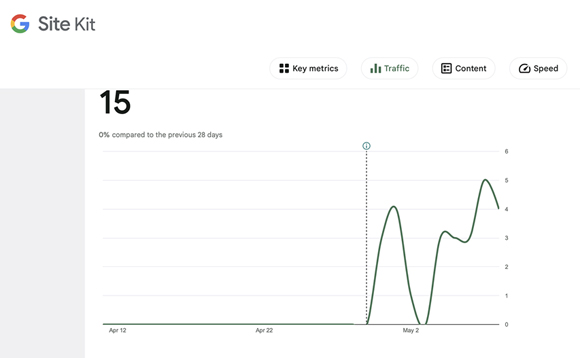
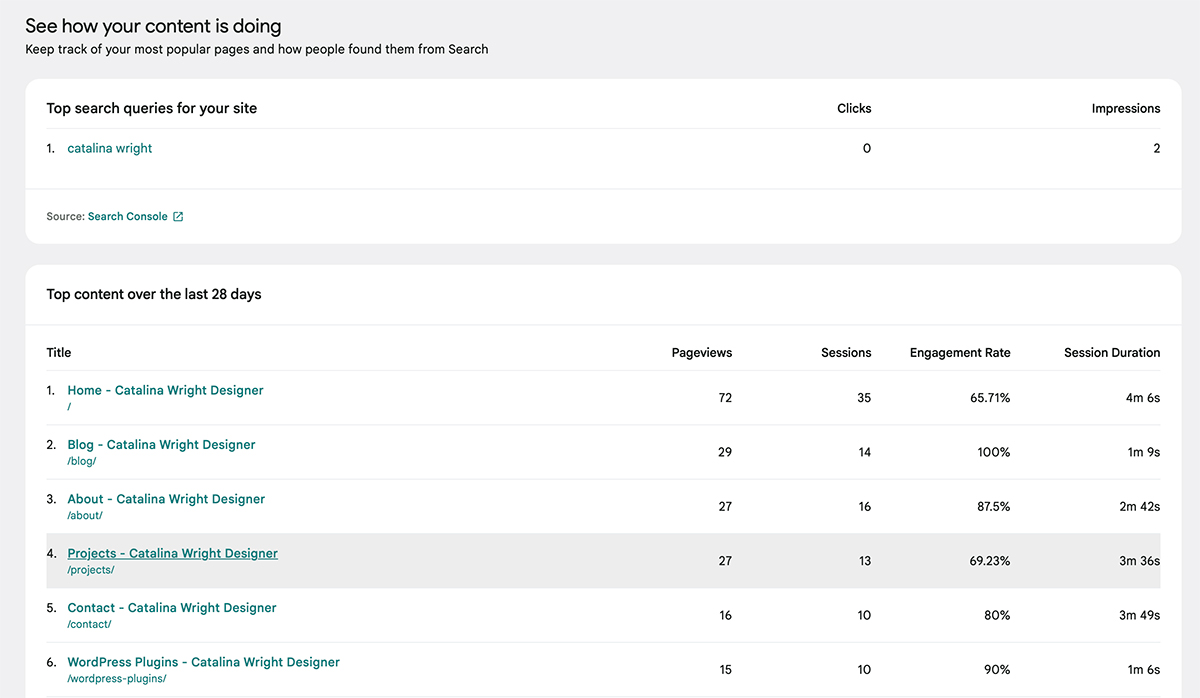
Finally, I began using the dashboard to monitor key metrics such as user traffic, page views, and engagement. This implementation allows me to analyse how users interact with my site and make informed design and content decisions to improve user experience.